How to Block AI Crawlers
Add rules to your robots.txt. That’s it.
User-agent: GPTBot
Disallow: /
This tells GPTBot not to access any page on your site. Replace GPTBot with any crawler you want to block.
Copy-Paste Blocks
Block All Major AI Crawlers
# OpenAI
User-agent: GPTBot
Disallow: /
User-agent: ChatGPT-User
Disallow: /
User-agent: OAI-SearchBot
Disallow: /

# Anthropic
User-agent: ClaudeBot
Disallow: /
User-agent: anthropic-ai
Disallow: /

# Google AI (doesn't affect Search)
User-agent: Google-Extended
Disallow: /

# Perplexity
User-agent: PerplexityBot
Disallow: /

# Others
User-agent: Bytespider
Disallow: /
User-agent: CCBot
Disallow: /
User-agent: Meta-ExternalAgent
Disallow: /
Block Training Only, Allow Citations
Block crawlers used for AI training while allowing real-time access (so AI can still cite you when users ask):
# Block training
User-agent: GPTBot
Disallow: /
User-agent: anthropic-ai
Disallow: /
User-agent: Google-Extended
Disallow: /
User-agent: CCBot
Disallow: /

# Allow real-time access
User-agent: ChatGPT-User
Allow: /
User-agent: ClaudeBot
Allow: /
User-agent: PerplexityBot
Allow: /
Block Specific Companies Only
Just OpenAI:
User-agent: GPTBot
Disallow: /
User-agent: ChatGPT-User
Disallow: /
User-agent: OAI-SearchBot
Disallow: /
Just ByteDance:
User-agent: Bytespider
Disallow: /
Where to Edit robots.txt
WordPress with Yoast: Yoast SEO → Tools → File Editor
WordPress with RankMath: RankMath → General Settings → Edit robots.txt
Shopify: Online Store → Themes → Edit Code → Templates → robots.txt.liquid
Manual: FTP to your site root, edit or create robots.txt
Mistakes That Break Things
Blocking Googlebot instead of Google-Extended:
# WRONG - blocks Google Search
User-agent: Googlebot
Disallow: /

# RIGHT - blocks Google AI only
User-agent: Google-Extended
Disallow: /
Empty Disallow (does nothing):
# WRONG - this allows everything
User-agent: GPTBot
Disallow:

# RIGHT
User-agent: GPTBot
Disallow: /
Wrong capitalization:
# Risky - some bots are case-sensitive
User-agent: gptbot
Wildcard overreach:
# DANGEROUS - blocks Googlebot, Bingbot, everything
User-agent: *bot*
Disallow: /
What Blocking Does and Doesn’t Do
Does:
- Stop future crawling by bots that respect robots.txt
- Prevent new content from being indexed
Doesn’t:
- Remove content already in training datasets
- Guarantee compliance (robots.txt is voluntary)
- Affect Google Search rankings
- Stop stealth crawlers using Chrome user-agents
The Enforcement Problem
robots.txt is advisory. Bots can ignore it, and increasingly do.
13.26% of AI bot requests ignored robots.txt in Q2 2025, up from 3.3% in Q4 2024. That’s a 4x increase in non-compliance in six months.
Meanwhile, 5.6 million websites now block GPTBot (up 70% since July 2025) and 5.8 million block ClaudeBot. Publishers are trying to block, but enforcement is imperfect.
Worse: ChatGPT’s Atlas browser and Operator agent use standard Chrome user-agent strings. They’re indistinguishable from real users. You can’t block them without blocking everyone using Chrome. This is the agentic AI problem, and it’s only getting bigger.
FAQ
Do AI companies respect robots.txt?
Less than they used to. The major companies (OpenAI, Anthropic, Google) publicly commit to respecting it, but 13.26% of AI bot requests now ignore robots.txt, up from 3.3% a year ago. And stealth crawlers using Chrome user-agents bypass it entirely.
How long until blocking takes effect?
Immediately for new crawl attempts. But if a bot already crawled your site, that data exists in their systems. Blocking prevents future collection, not past.
Can I block at the server level instead?
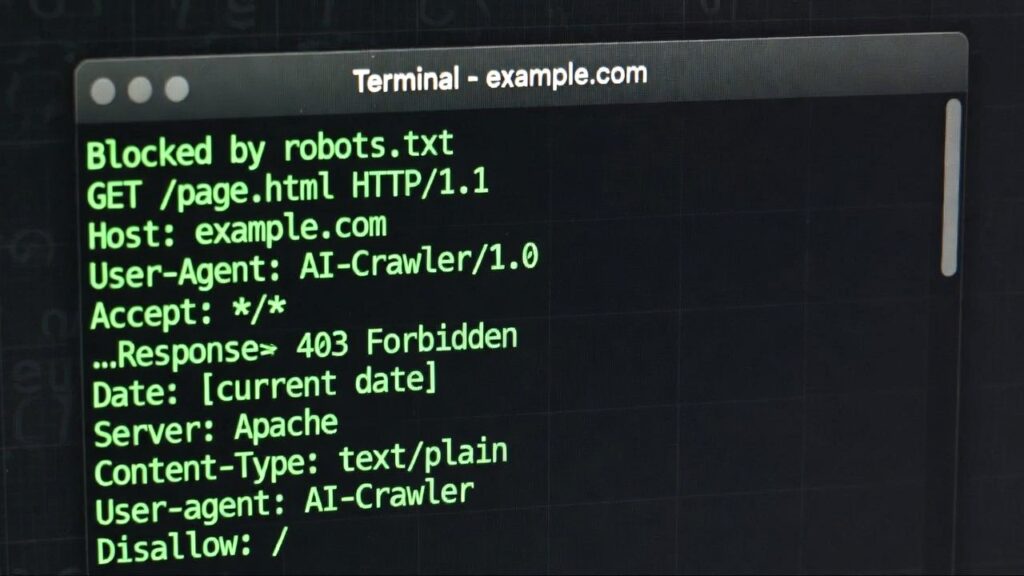
Yes. If a bot ignores robots.txt, you can block by user-agent in .htaccess (Apache) or nginx config. This returns 403 Forbidden instead of trusting voluntary compliance.
Will new crawlers appear that I need to block?
Yes. AI companies launch new bots regularly. Either update your robots.txt manually or use a tool that maintains the list for you. See the full list of AI crawlers for current user-agent strings.
Malcolm Michaels is the founder of HeyTC and creator of GetCited. This post was developed with AI assistance: human direction, AI drafting, human editing.